
The prompt exists so folder access is visible, not silent
Downloads and Documents often contain installers, archives, client files, photos, and other sensitive material. macOS may ask for confirmation when an app actually tries to include those folders in a workflow, especially if the app is moving from a lighter scan into a more detailed one.

How this differs from Full Disk Access
People often mix these up. Full Disk Access is the broad permission that helps an app work across more of your Mac. The Downloads prompt is more specific. It is about whether the app can access that particular folder at that moment. Both can matter, and one does not always replace the other.

What happens if you decline it
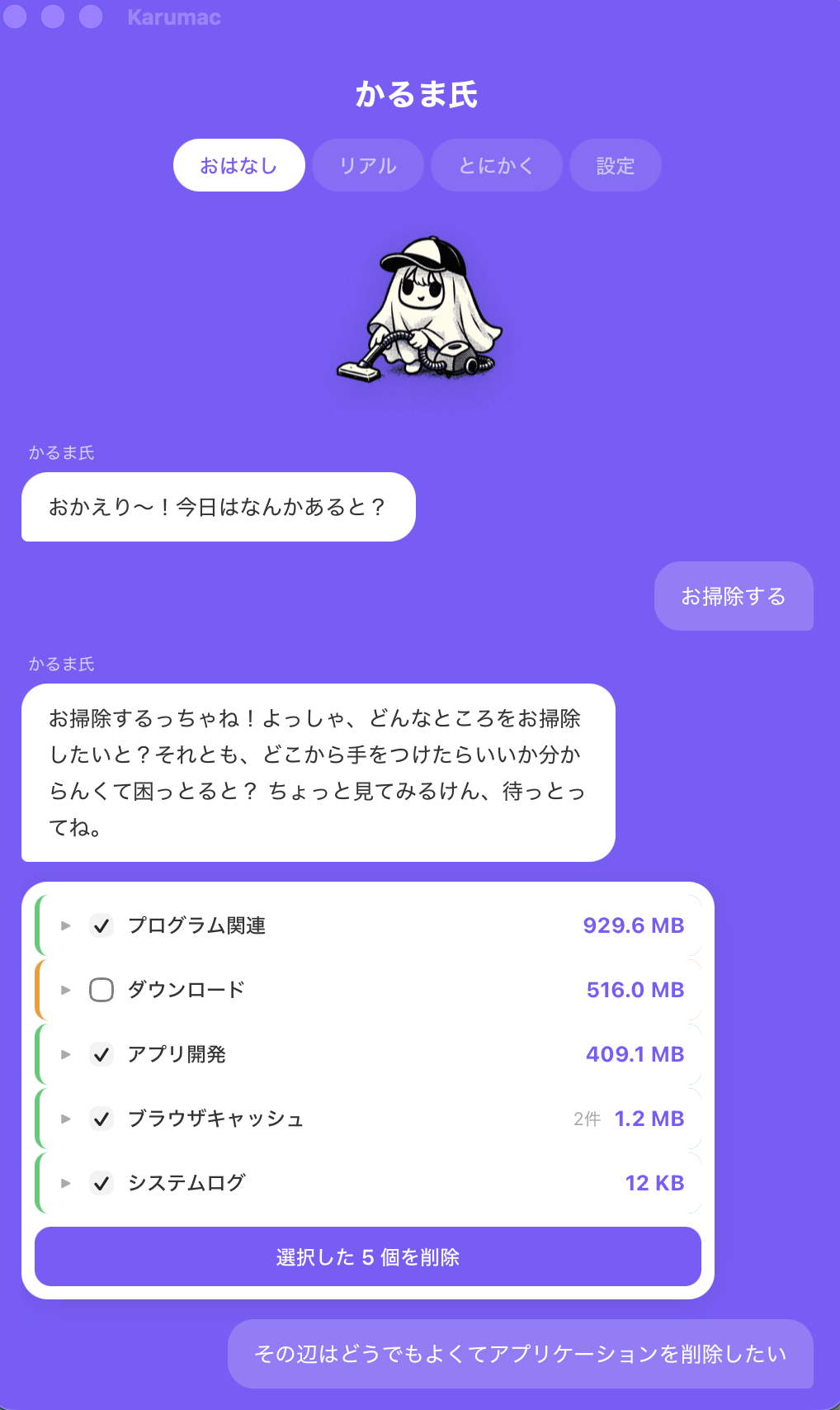
Declining the prompt usually does not destroy the whole experience. It mostly means that the app cannot include that folder in a deeper scan, so some cleanup candidates may not appear. That is a difference in scope, not necessarily a complete failure.
What good product behavior looks like
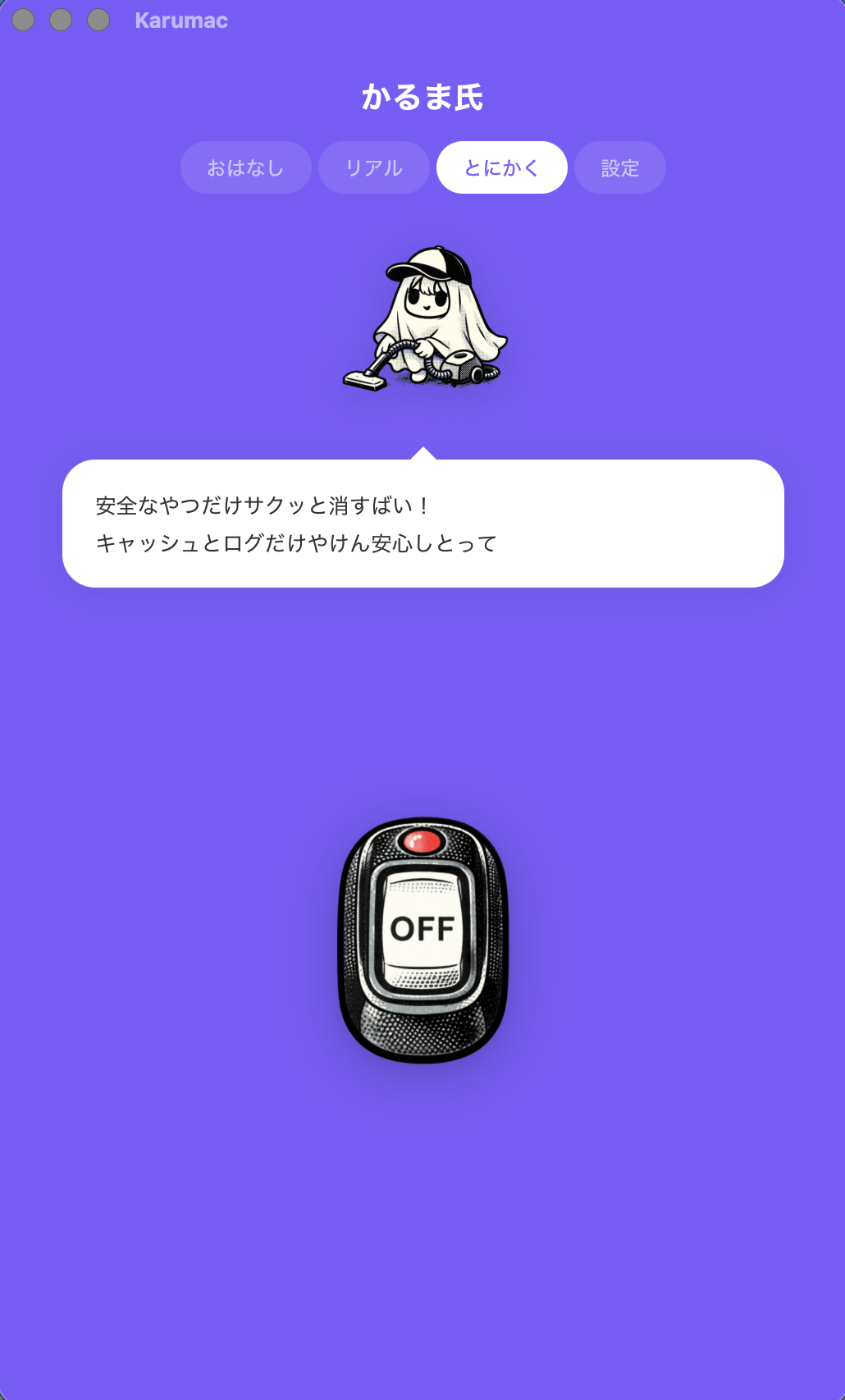
The best time to handle this is before the macOS dialog appears. An app should explain that a deeper scan may trigger folder-level prompts, what kind of files it is trying to inspect, and that you can continue later if you are not ready. That turns a surprise into a conscious decision.
That is the standard Karumac is aiming for: explain first, scan second, remove later.
FAQ
Why does the prompt appear only sometimes?
Because macOS can show it when the app actually tries to access that folder. Lighter workflows may not trigger it, while deeper scans might.
Does declining the prompt break the whole app?
No. It usually just means that the deeper scan cannot include that folder, so the results may be less complete.
Can this happen even if Full Disk Access is already enabled?
Yes. Downloads or Documents access can still appear as separate folder-level confirmations depending on the workflow.

Use a cleanup flow that warns before the prompt
Karumac is built around explanation-first cleanup. Review the candidates, understand why a prompt may appear, and move at your own pace.